
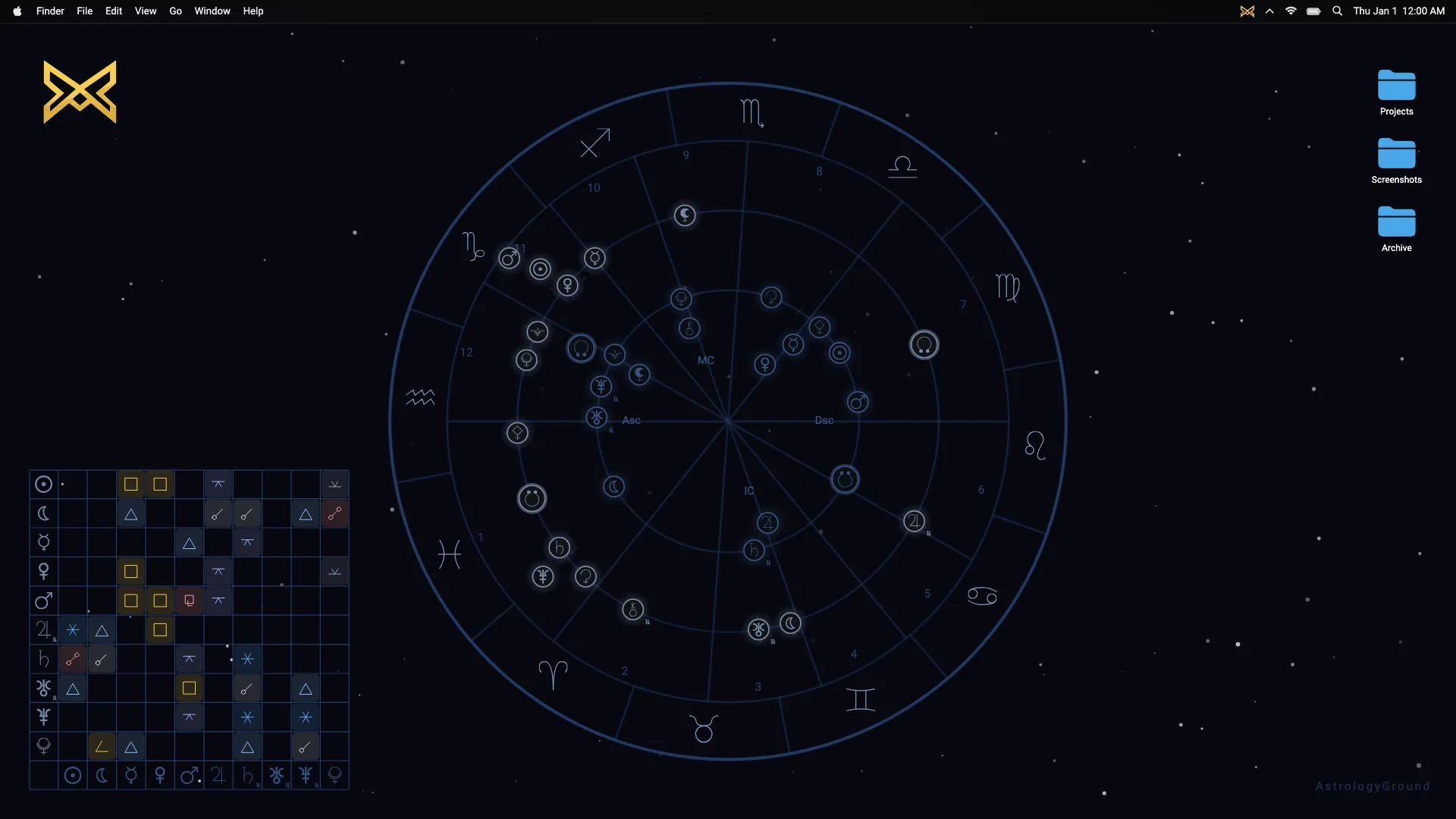
An astrology aspect is calculated from the angle between two chart positions. The engine measures their shortest separation around a 360-degree circle, compares it with an aspect’s exact angle, and checks whether the difference is within an allowed orb.
AstrologyGround uses this calculation for natal and transit relationships in its live astrology wallpaper. The aspect grid and optional lines display results; they do not create them.
Start with positions, not signs
An ephemeris gives each supported body a longitude on the zodiac circle. For example, 10° Aries corresponds to 10° on the full circle. A body at 10° Cancer corresponds to 100°.
These are illustrative positions, not a claim about a particular sky or user. Their separation is 90°, so they form an exact square.
The calculation does not need a rule such as “Aries and Cancer are square.” It needs two numeric positions. That also means bodies close to a sign boundary can form an aspect even when a simple sign-pair shortcut would miss it.
To see where those positions come from, read how a natal chart is calculated.
Measure the shortest distance around the circle
The two longitudes may be separated in either direction. AstrologyGround uses the shorter path, so the measured angle lies between 0° and 180°.
For example, bodies at 359° and 1° are only 2° apart. Subtracting the numbers without handling the circle would give 358°, the long way around. The wrap-around check is a small piece of code with a visible consequence: it keeps aspects correct at the zodiac boundary.
- First position359°1° before the boundary
- Circle wraps360° = 0°Same point on the circle
- Second position1°1° after the boundary
Compare the distance with an aspect angle
Each aspect has a target angle. AstrologyGround’s major aspects include conjunction at 0°, sextile at 60°, square at 90°, trine at 120°, and opposition at 180°.
The engine also supports several minor aspects. These use the same process with different target angles. A chart setting can restrict detection to major aspects when a simpler view is useful.
An exact aspect has no difference between the measured angle and its target. Most displayed aspects are not exact, which is why the next step matters.
The orb is the tolerance
The orb is the absolute difference between the measured separation and the target angle. If two positions are 92° apart, they are 2° away from an exact square.
AstrologyGround’s wallpaper aspect calculator gives the square an allowed orb of 7°. The 92° example therefore qualifies as a square. A separation of 98° is 8° from exact and does not qualify under that square rule.
Allowed orbs vary by aspect. The wallpaper’s aspect calculator uses 8° for a conjunction, trine, or opposition; 7° for a square; and 6° for a sextile. Several minor aspects use narrower tolerances. The native engine also checks aspects in its chart output, with its own orb table. These tolerances are calculation policies, not universal laws of astrology.
A checked result from the engine
The native engine’s regression chart for July 30, 2026 at 14:30 UTC includes a Neptune-Pluto sextile with an orb of about 0.068°. The test records its aspect type, the two bodies, and its orb, so a future engine change can be checked against a known result.
This checks the native calculation. The wallpaper’s aspect calculator has separate tests for its angle and orb rules. DagazLabs does not rely on whether an aspect line merely looks plausible: the relationship must be reproducible from calculated positions.
Natal, transit, and cross-aspects
The same angle rule can compare two natal positions, two current transit positions, or one natal position with one transit position. What changes is which two position sets the app supplies to the comparison.
AstrologyGround lets people choose which chart relationships to show. Aspect grid and line settings can make the wallpaper more detailed or more restrained without changing the planetary positions beneath it.
For the moving side of this comparison, read how live transits are calculated.
Calculation is not interpretation
An aspect describes chart geometry. A tight orb describes closeness to a target angle. Neither is, by itself, advice or a prediction.
AstrologyGround is made by DagazLabs for a calm desktop experience on Windows and macOS. It uses real chart calculations while leaving room for people to decide what, if anything, those relationships mean to them.